
How to Automate Azure VM Setup with GitHub Actions and Bicep

By Roberto
In this post, we'll explore how to automate the creation of a Windows 11 Virtual Machine in Azure's Mexico region using a combination of GitHub Actions and Bicep. This powerful duo enables us to define our infrastructure as code, ensuring repeatable, secure, and efficient deployments.
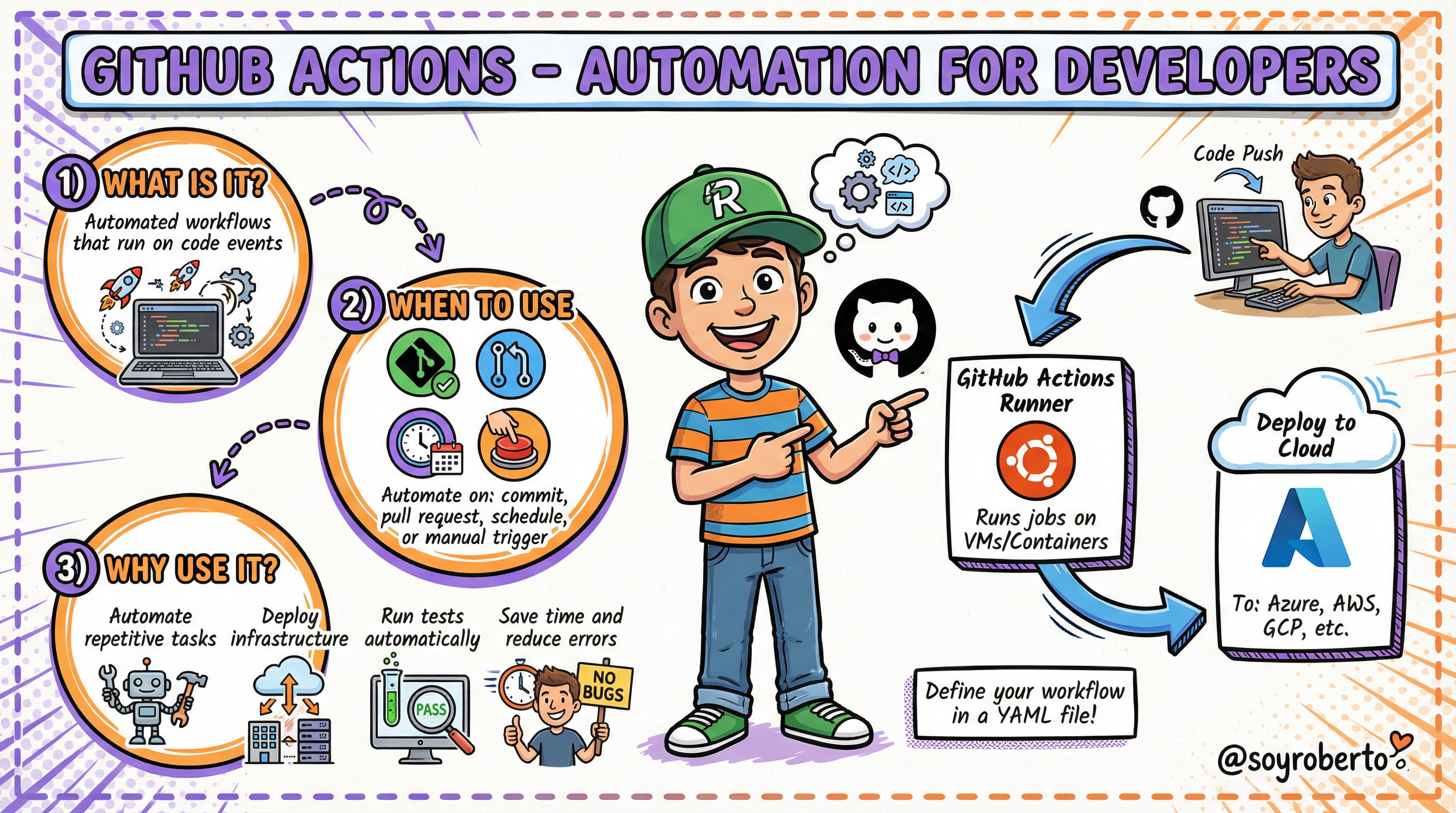
What are GitHub Actions?
GitHub Actions is a CI/CD (Continuous Integration/Continuous Deployment) platform that allows you to automate your build, test, and deployment pipeline. You can create workflows that build and test every pull request to your repository or deploy merged pull requests to production. In our case, we're using it to orchestrate the deployment of our Azure VM.
The create-win11-vm.yml and win11-vm.bicep Workflow
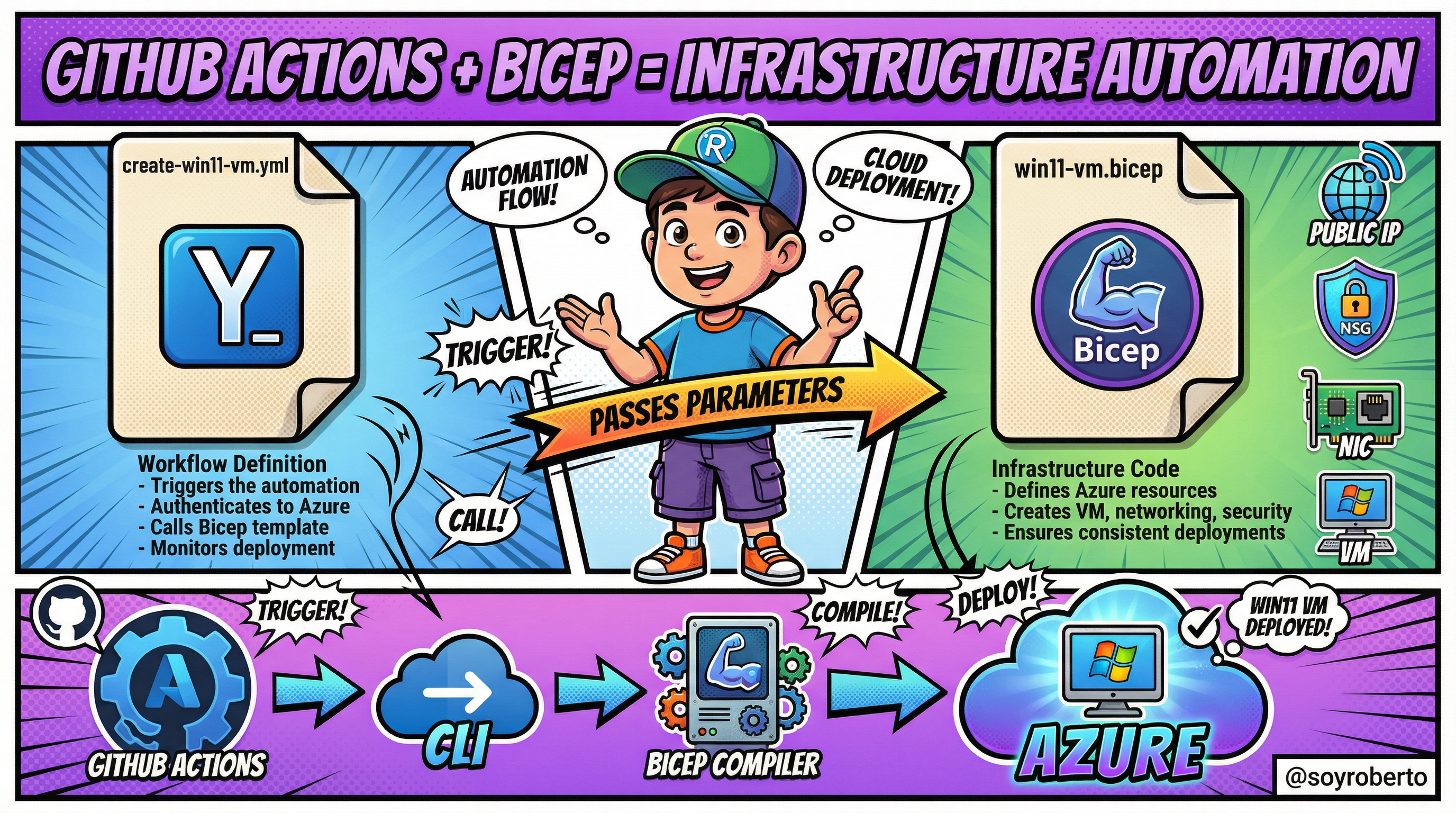
Our automation is driven by two key files:
create-win11-vm.yml: This is our GitHub Actions workflow file. It defines the steps to be executed, such as logging into Azure, and then triggers the Bicep deployment.win11-vm.bicep: This is our Bicep file, which declaratively defines all the Azure resources needed for our VM, including the virtual machine itself, networking components, and security rules.
The Power of Infrastructure as Code (IaC)
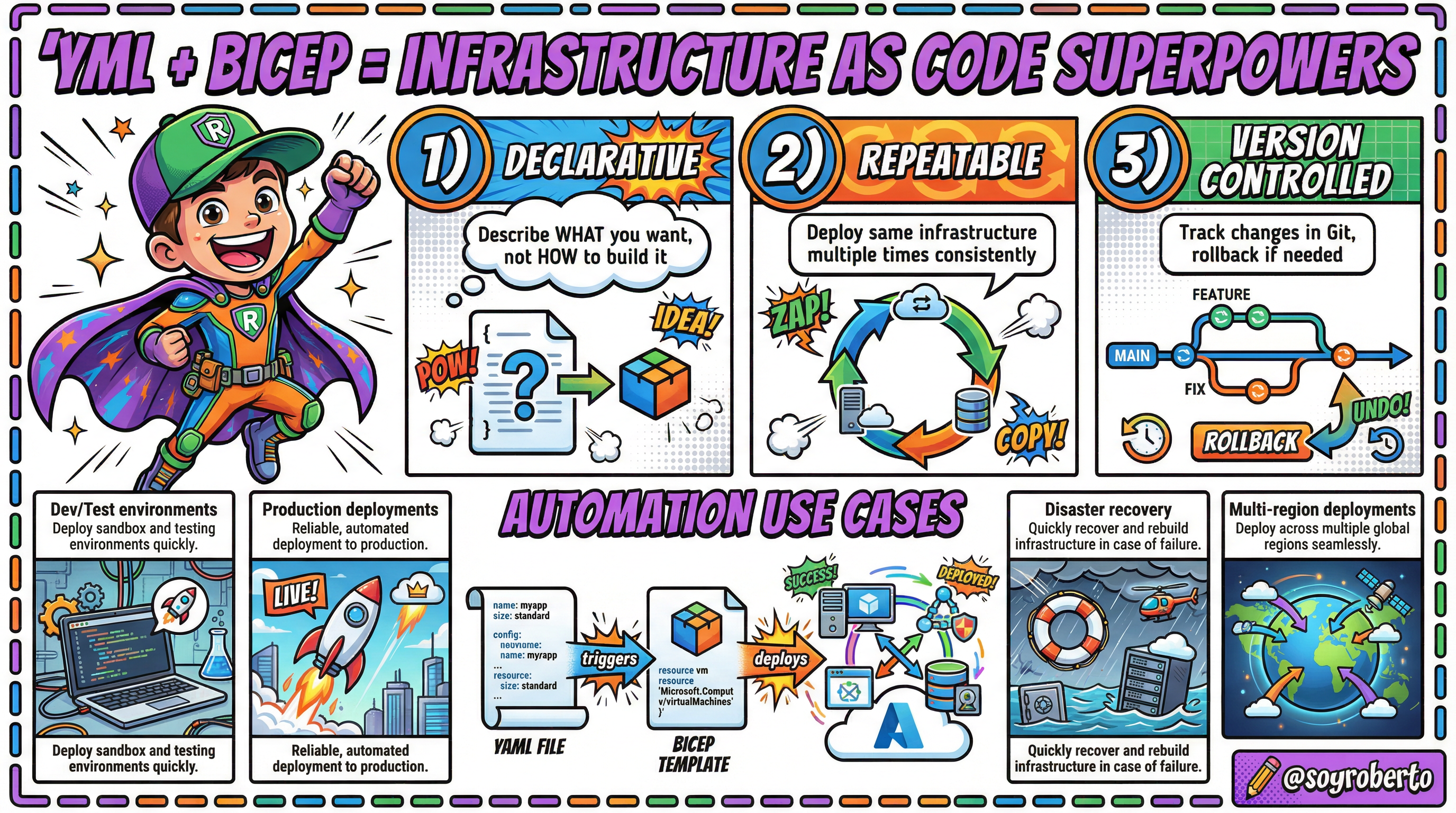
By combining YAML for our workflow definition and Bicep for our infrastructure definition, we are embracing the concept of Infrastructure as Code (IaC). This approach provides several key advantages:
Declarative: We define what we want, and the tools figure out how to make it happen.
Repeatable: We can deploy the exact same infrastructure configuration multiple times with no variations.
Version Controlled: All our infrastructure definitions are stored in a Git repository, allowing us to track changes and collaborate effectively.
Keeping Secrets Safe
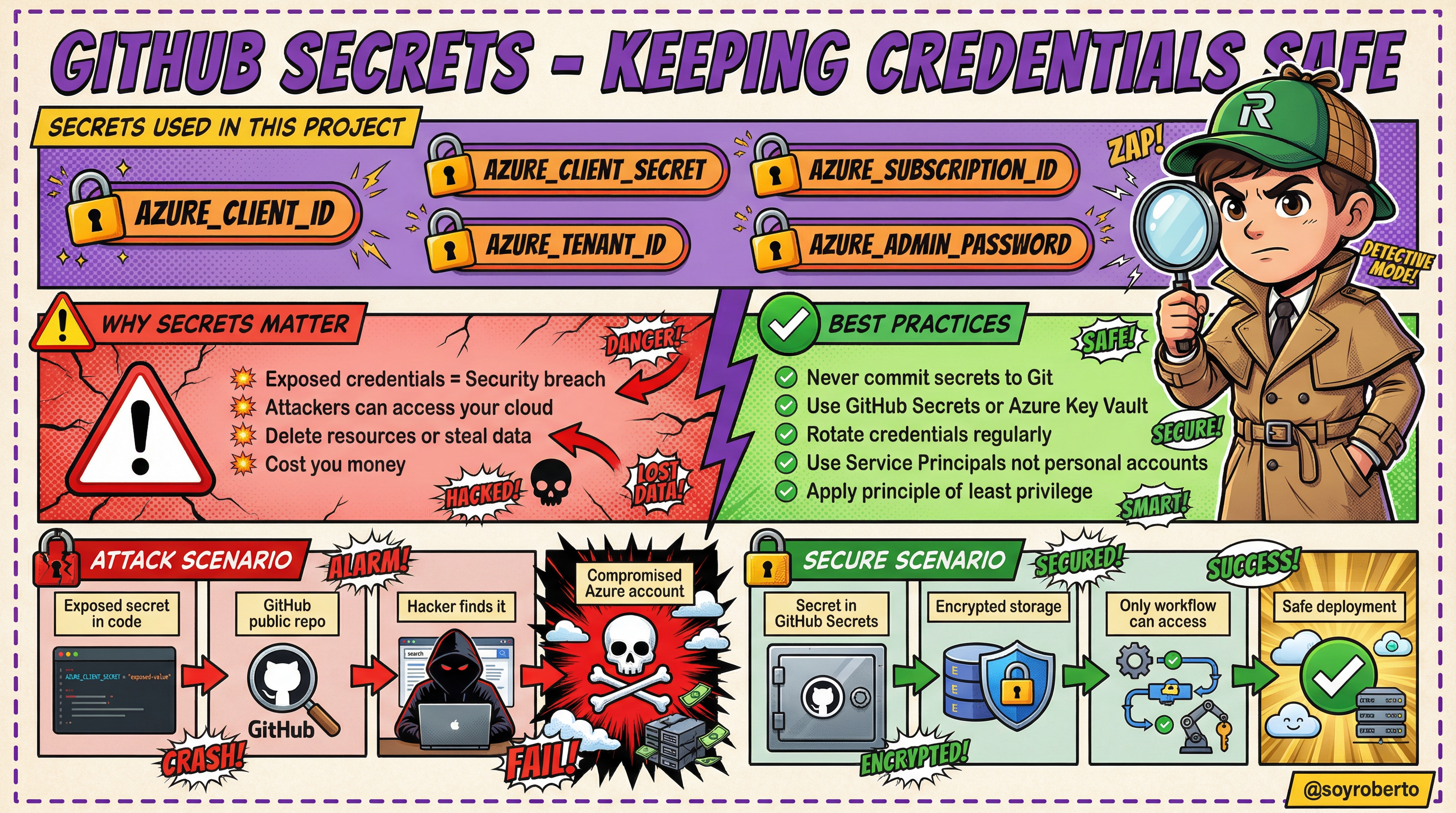
Our workflow requires sensitive information, such as Azure credentials and passwords. It is absolutely critical to handle these secrets securely. We use GitHub Secrets to store this information, which encrypts the secrets and makes them available only to the workflow.
Never, ever, hardcode secrets directly in your code. Exposing credentials in a public repository is a major security risk that can lead to unauthorised access, data breaches, and financial loss.
By following these principles, we can automate our infrastructure deployments in a way that is not only efficient but also secure and reliable. You can find the complete code for this project on my GitHub repository.


